Doses that follow you
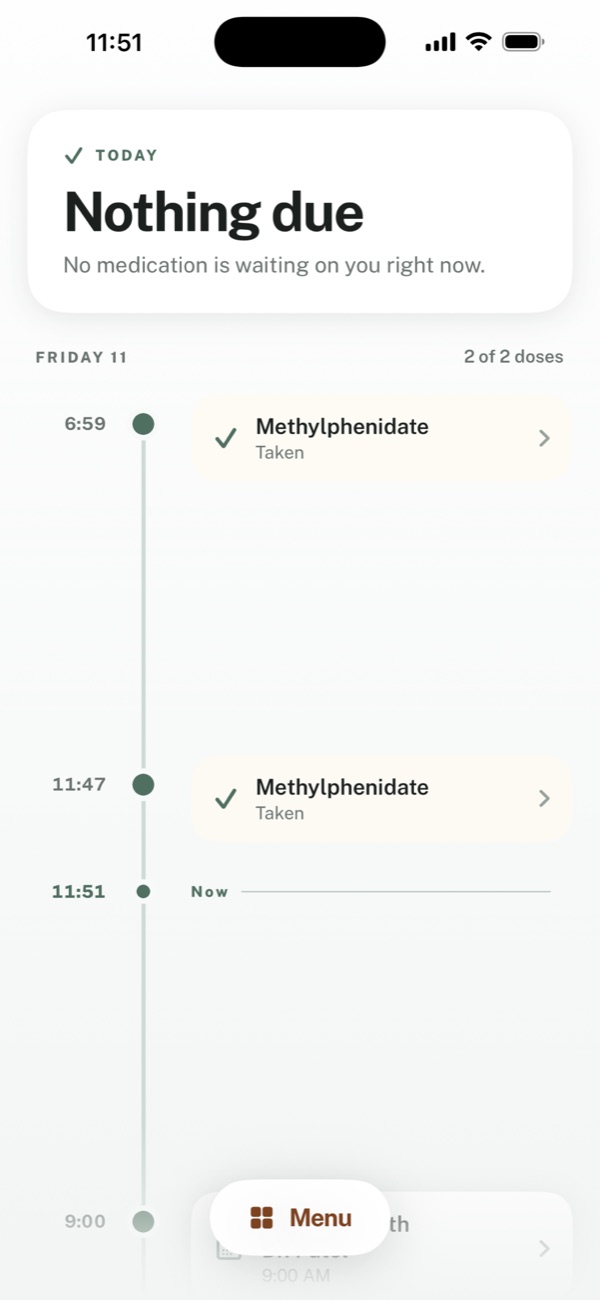
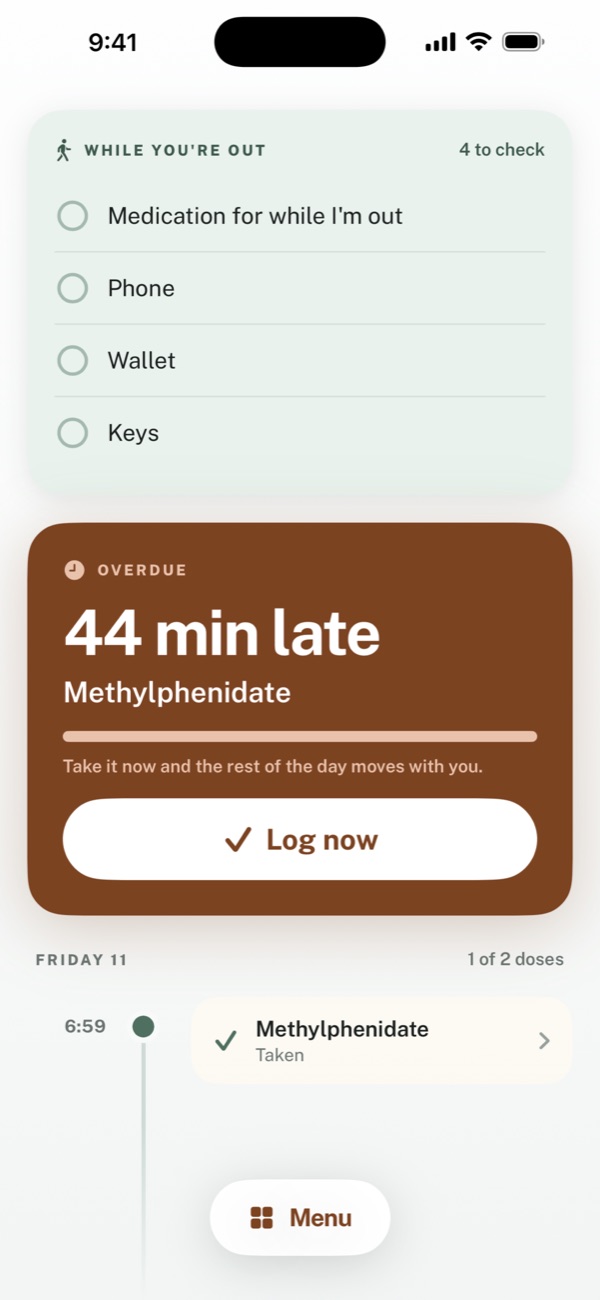
The clock starts when you log your first dose, not at a fixed time. Take it late and every dose after it shifts to match.
Or doses on the clock
For medication that belongs at set times, such as an antibiotic, choose Clock time instead. A missed time stays visible until you log it.
A countdown on the Lock Screen
A card appears ahead of each dose with the time left, so you can check without opening anything.
The plan your doctor hands you
Attach a treatment plan to an appointment: what to start the day before, what steps down day by day, what to do an hour ahead.
Routines that don't get lost
Miss one and Anchor asks about it the next time you open the app, one routine at a time.
Checklists when you leave
Leaving home brings up what to take. Optional Bluetooth beacons can tell a trip upstairs from a drive away.
A morning brief
Today's routines and appointments, and the dates coming up that you said you can't miss. Read aloud if you like.
Two seconds on how it's going
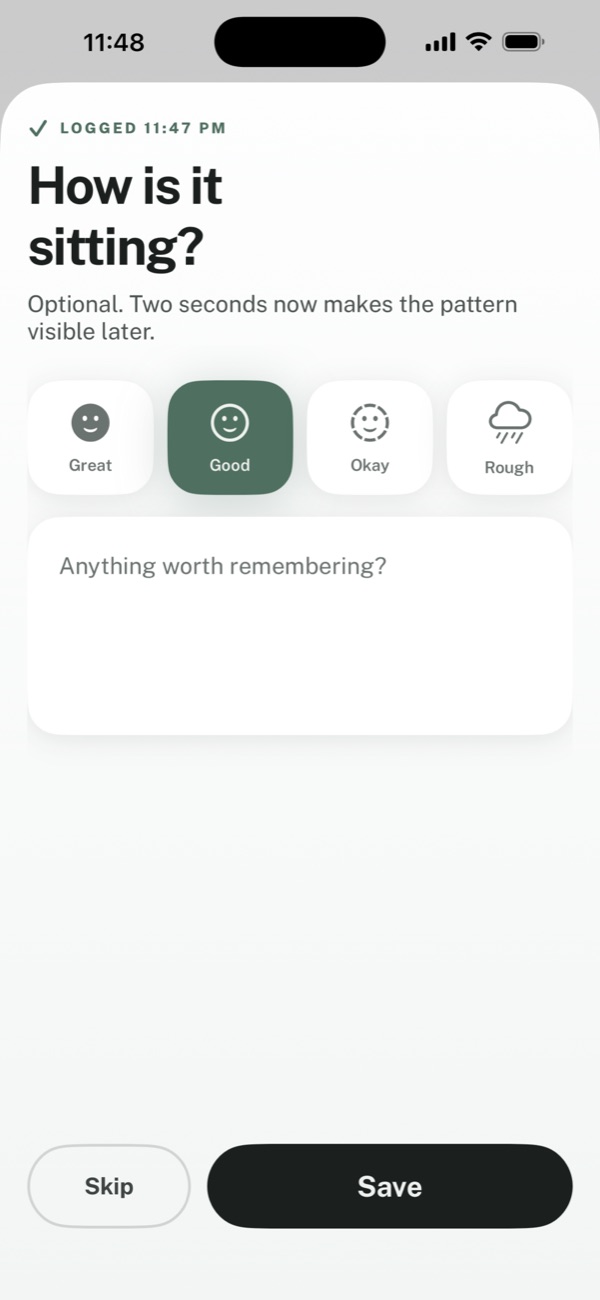
After a dose, tap how it's sitting. Over time that becomes a record you can take to an appointment.
Somewhere for the loose thoughts
Quick thoughts sorted into buckets, a medical journal for the longer notes, and a nightly review so nothing sits forever.
 Anchor